
Description
Who it’s for
The CoDrone EDU is a coding platform that happens to fly. It is built for middle-school, high-school and early college classrooms, coding clubs and parents of teenagers who want a project more motivating than printing to a console. Robolink rates it for ages 12 and up. With DJI and Ryze having stopped selling the Tello EDU and RoboMaster TT, it has become the default recommendation for schools that want block coding and Python on a drone. It is not a camera drone and not a toy to fly casually in the park; if nobody in the house plans to write code, buy something else.
Design and build
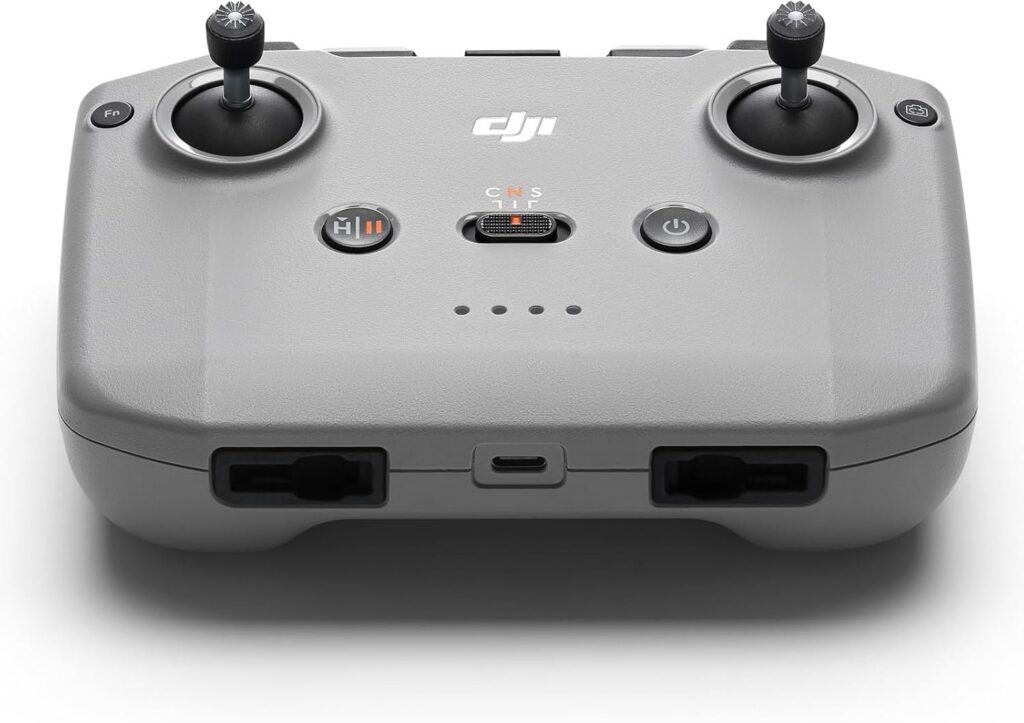
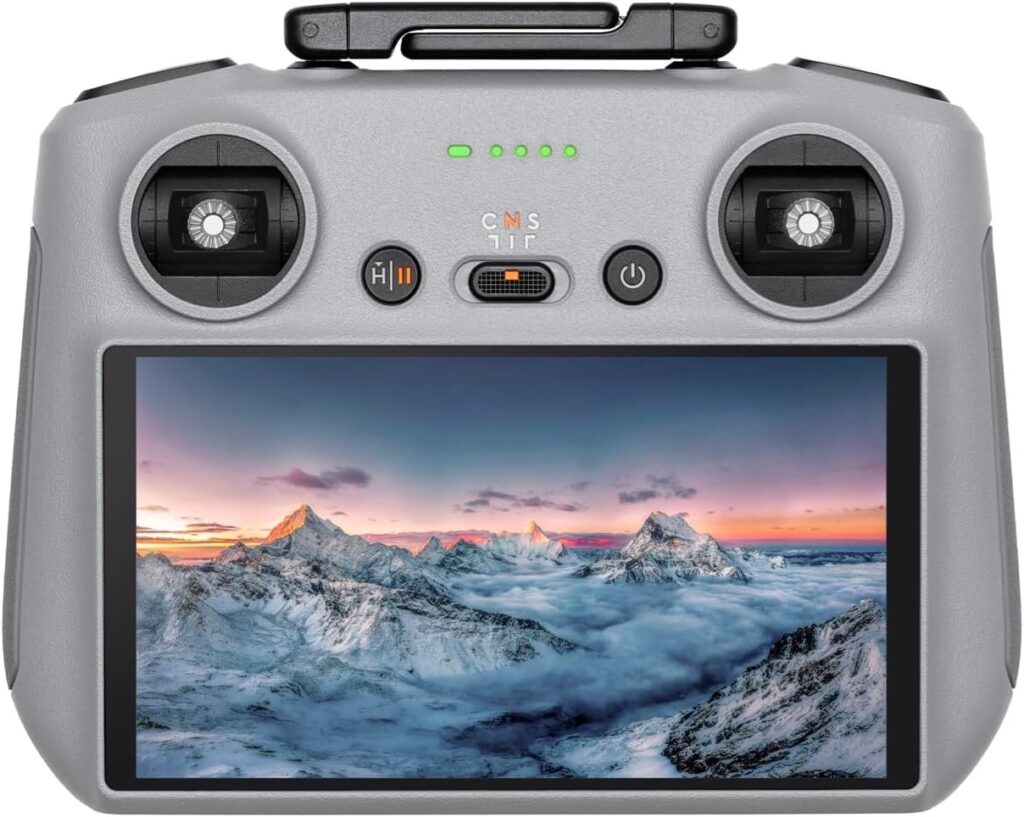
The drone weighs 54.8 g and measures about 139 mm square, with full propeller guards around the four motors. The individual kit includes the drone, the Smart Controller, two rechargeable batteries with a two-bay charger, a micro USB cable, spare propellers and screws, a prop removal tool and eight colored landing pads for color-sensing exercises. The controller runs on two AA batteries, which you supply, and it has its own screen and buzzer that can be programmed too. Classroom packs scale up with extra batteries, chargers, motors and frames, and Robolink sells versions with a professional development session for teachers.
Coding and sensors
The heart of the CoDrone EDU is its learning path. Students start in Blockly, dragging blocks to take off, move, read a sensor and land, then move to Python using Robolink’s codrone_edu library, which they import into their own scripts. Robolink recommends PyCharm on Windows and macOS, and also offers a browser-based Python editor that runs in Chrome, so a class can start without installing anything. Programs run on the computer and send commands to the drone, so students see their code take effect immediately.
What separates it from simpler coding drones is the sensor package students can query from code: an accelerometer and gyroscope, a barometer, front and bottom range sensors, an optical flow sensor for holding position and a pair of color sensors on the underside. That makes for genuinely interesting projects, such as stopping before a wall, landing on a specific colored pad or following a path. The Python library also includes swarm functions for flying several drones at once. Robolink’s free lessons at learn.robolink.com fill in the curriculum, which matters if the teacher is not a drone pilot.
Living with it
Flight time is seven to eight minutes per pack, and charging takes about an hour, so a lesson plan should alternate coding and flying, and a home buyer should consider Robolink’s spare battery packs. The drone supports Windows, macOS and Chromebook, but not iPads, tablets or phones, which rules it out for tablet-only classrooms. Robolink’s product page and its documentation currently describe Python support on Chromebooks differently, so confirm the browser editor works on your devices before ordering a class set. At 54.8 g the drone is far below the FAA’s 250 g registration threshold for recreational flying, and its guards and modest speed suit indoor gyms and classrooms.
Value for money
At the time of writing Robolink lists the single kit at $249, with resellers occasionally discounting it, and the 12-drone classroom pack at $3,599. That is a lot for a 55 g drone without a camera, but the Tello EDU is no longer sold new, and the CoDrone EDU’s sensors and Robolink’s maintained library and lessons are what schools pay for. The camera-equipped CoDrone EDU Plus adds computer vision projects at a higher price.
Alternatives
- CoDrone EDU Plus: pick it if your students are ready for computer vision and you can stretch the budget.
- BETAFPV Aquila16 FPV Kit: pick it if the goal is learning to fly in goggles rather than learning to code.
- Holy Stone HS210: pick it for cheap indoor flying practice before the coding starts.
The bottom line
The CoDrone EDU is the most complete programmable drone you can buy for a classroom today, with a real path from blocks to Python and sensors worth coding against. It has no camera and short flights, but for teaching code it does exactly what it promises.
.gap-review{margin:2.5rem 0 0}.gap-review h2{font-size:1.5rem;margin:0 0 1.25rem}.gap-verdict{background:#0E1A2B;color:#fff;border-radius:16px;padding:1.5rem 1.75rem}.gap-verdict__head{display:flex;gap:1.25rem;align-items:center}.gap-score{margin:0;width:84px;height:84px;border-radius:50%;background:#FF5A1F;color:#fff;display:flex;flex-direction:column;align-items:center;justify-content:center;font-weight:800;font-size:1.9rem;line-height:1}.gap-score small{font-size:.7rem;font-weight:600;opacity:.85}.gap-eyebrow{margin:0 0 .35rem;text-transform:uppercase;letter-spacing:.08em;font-size:.75rem;font-weight:700;color:#FF5A1F}.gap-verdict__line{margin:0;font-size:1.125rem;line-height:1.45}.gap-proscons{display:grid;grid-template-columns:1fr 1fr;gap:1.25rem 2rem;margin-top:1.5rem;padding-top:1.25rem;border-top:1px solid rgba(255,255,255,.15)}.gap-proscons h3{margin:0 0 .6rem;font-size:.9rem;text-transform:uppercase;letter-spacing:.05em;color:inherit}.gap-proscons ul{list-style:none;margin:0;padding:0}.gap-proscons li{position:relative;padding-left:1.6em;margin:0 0 .45em}.gap-proscons li::before{position:absolute;left:0;top:0;font-weight:800}.gap-pros li::before{content:’+’;color:#4ADE80}.gap-cons li::before{content:’2013′;color:#F87171}.gap-specs,.gap-faq{margin-top:2rem}.gap-specs h3,.gap-faq h3{font-size:1.2rem;margin:0 0 .75rem}.gap-specs table{width:100%;border-collapse:collapse;font-size:.95rem}.gap-specs th,.gap-specs td{text-align:left;padding:.65rem .9rem;border-bottom:1px solid #E2E8F0;vertical-align:top}.gap-specs th{width:38%;background:#F4F6F9}.gap-faq details{border:1px solid #E2E8F0;border-radius:10px;padding:0 1rem;margin:0 0 .6rem}.gap-faq summary{cursor:pointer;padding:.85rem 0;font-weight:600}.gap-cta{margin-top:2rem;padding:1.25rem 1.5rem;background:#F4F6F9;border-radius:16px;display:flex;flex-wrap:wrap;gap:.75rem;align-items:center}.gap-btn{display:inline-block;padding:.85em 1.5em;border-radius:10px;font-weight:600;text-decoration:none!important;background:#FF5A1F;color:#fff!important}.gap-btn–secondary{background:transparent;color:#0E1A2B!important;border:2px solid #E2E8F0}.gap-disclosure,.gap-note{font-size:.875rem;color:#4A5568;margin:.75rem 0 0}@media(max-width:640px){.gap-proscons{grid-template-columns:1fr}}
Robolink CoDrone EDU review
8.3/10
madagear.com verdict
Buy it if you teach coding or want a teenager to learn Python with something that flies; skip it if you want a camera drone or a toy for casual flying.
What we like
- Clear path from Blockly blocks to real Python with the codrone_edu library
- Seven sensors students can read in code, including color, range and optical flow
- Browser-based Blockly and Python editors, plus free lessons from Robolink
- Classroom packs with spare parts and teacher training are available
- Programmable Smart Controller with a screen and buzzer adds coding options
What we don’t
- No camera; the computer-vision CoDrone EDU Plus costs more
- Seven to eight minutes per battery and an hour to recharge
- Not compatible with iPads or tablets
- The controller needs two AA batteries that are not included
Specs at a glance
| Weight | 54.8 g |
|---|---|
| Dimensions | 138.8 × 138.5 × 34.8 mm |
| Flight time | 7–8 min, about 60 min to charge |
| Sensors | Accelerometer, gyroscope, barometer, front range, bottom range, color, optical flow |
| Programming | Blockly and Python |
| Computers | Windows, macOS and Chromebook (no iPad or tablet support) |
| Controller | Smart Controller, 2.4 GHz, two AA batteries |
| In the box | Drone, controller, two batteries, two-bay charger, spare props, eight color landing pads |
| Age | 12 and up |
Frequently asked questions
What programming languages does the CoDrone EDU support?
Blockly, a block-based language for beginners, and Python through Robolink’s codrone_edu library. Robolink also runs browser-based editors for both, so students can start without installing anything.
Is the CoDrone EDU a good replacement for the Tello EDU?
For classrooms, yes. DJI and Ryze stopped selling their education drones, and the CoDrone EDU covers the same ground with block coding and Python, plus sensors the Tello lacked, such as color sensing. It does not have a camera, though.
Can I program it on a Chromebook?
Blockly runs in Chrome on Chromebooks. For Python, Robolink’s documentation recommends its browser-based Python editor on Chromebooks, since desktop IDEs such as PyCharm are not supported there. Check the current device notes before buying a class set.
Can several drones fly together?
Yes. Robolink’s Python library includes swarm functions for programming multiple drones, which is a popular capstone project in classrooms.
Robolink’s price for a single kit with the Smart Controller, two batteries and a charger; classroom packs of 12 and 18 drones cost $3,599 and $5,399. Price and availability checked on 2026-11-10.
madagear.com is reader-supported. When you buy through links on our site we may earn an affiliate commission, at no extra cost to you. This never affects what we recommend.


Reviews
There are no reviews yet.