


Description
Who it’s for
The DeathAdder Essential is the stripped-back version of a shape that has been in circulation for well over a decade. It is aimed squarely at the player who wants a known-good right-handed ergonomic mouse without paying for wireless, onboard memory or an ultralight shell. If your current mouse is a bundled office rodent and you are moving into shooters, sim racing menus or general PC gaming, this is the kind of upgrade that makes an immediate difference.
It also makes sense as a second mouse. A wired backup that lives in a bag, sits on a secondary machine, or stays plugged into a sim rig PC is worth having, and at this price you are not agonizing over the purchase. Buyers rate it 4.5 out of 5, which is a strong consensus for a budget peripheral and suggests the basics hold up.
The people who should look elsewhere are easy to identify. Left-handed players are ruled out by the right-hand orientation. Anyone chasing the current ultralight trend will find 0.13 kg heavy. And if you want twelve side buttons for MMO rotations or creative shortcuts, five buttons will not stretch far enough.
Design and build
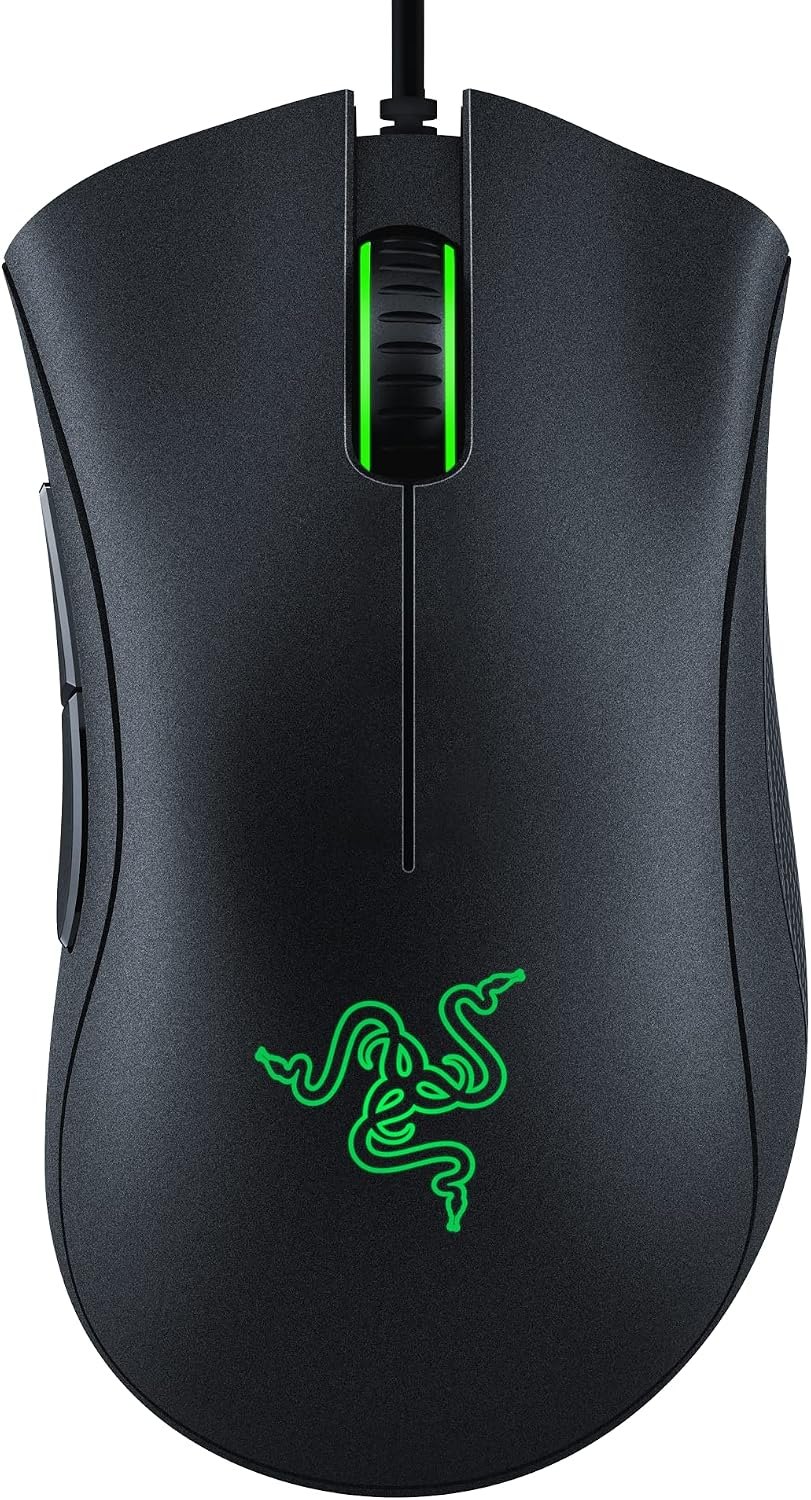
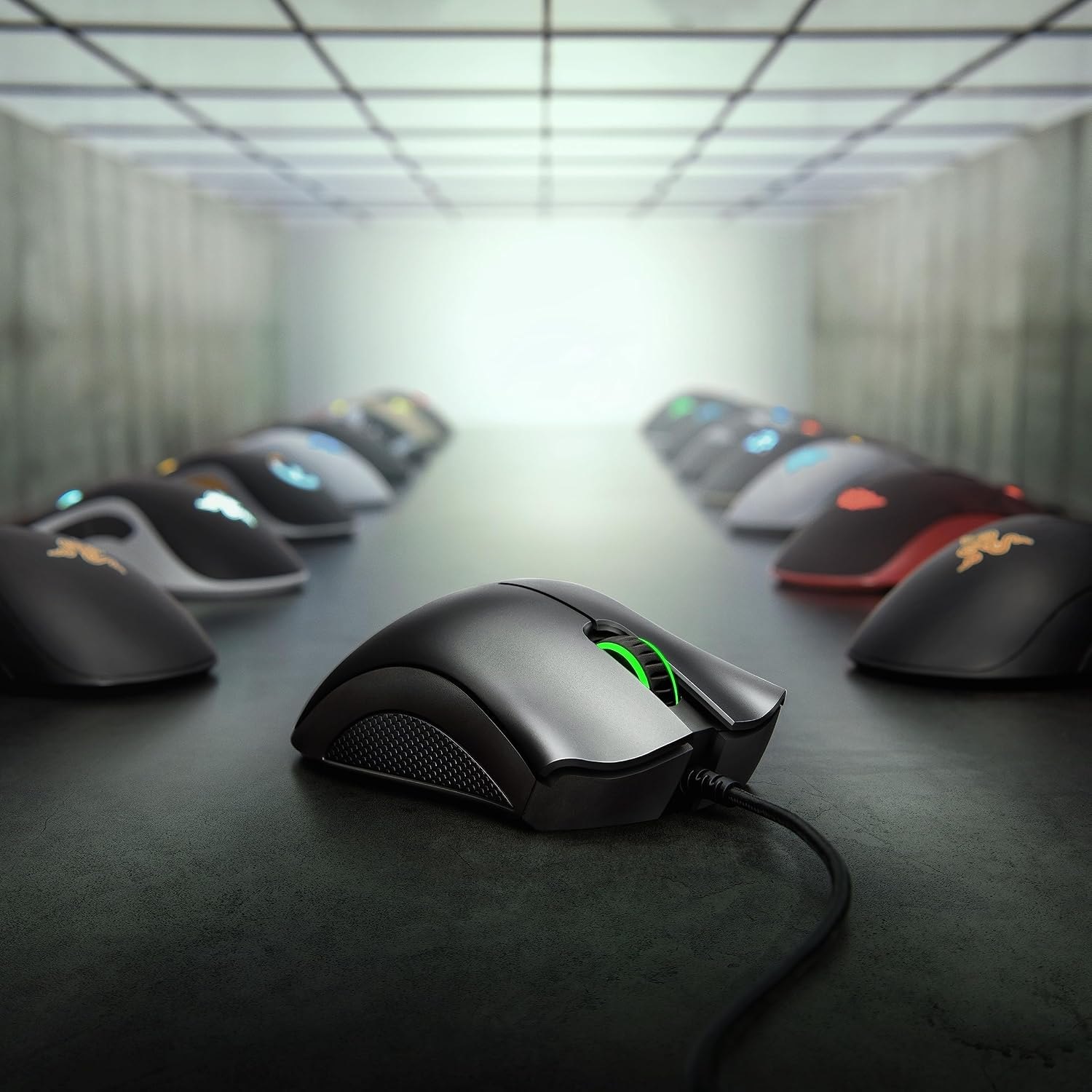
The DeathAdder silhouette is a high-backed, right-handed ergonomic shape with a pronounced hump toward the rear and a thumb shelf on the left side. It is built for a palm grip and tolerates a hybrid palm-claw hold. The listed dimensions of 5 inches long by 2.43 inches wide confirm this is a medium-to-large mouse rather than a compact one, so hand size genuinely matters here.
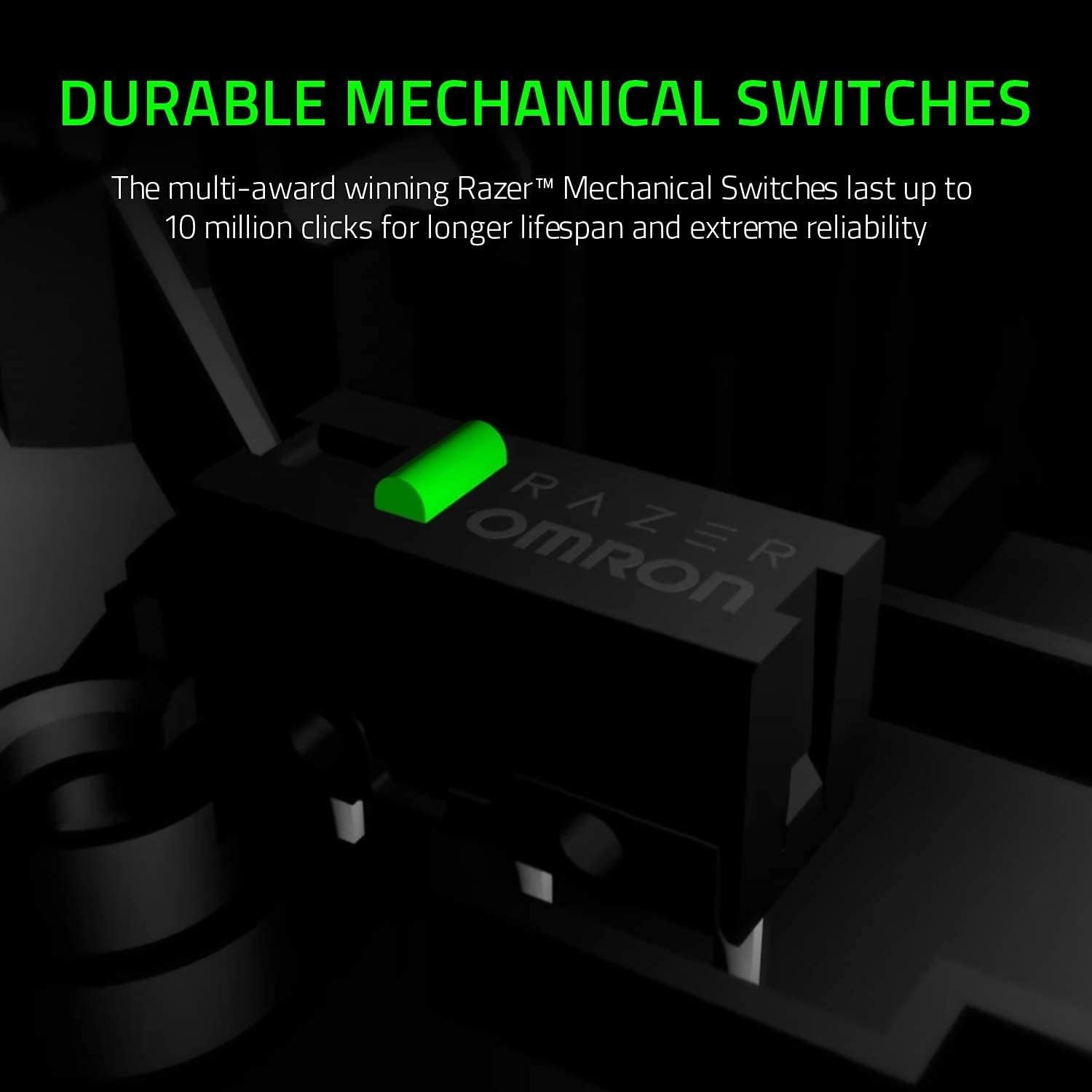
Razer lists mechanical switches rated to 10 million clicks. That is a standard durability figure for the class and should translate to years of normal use, though switch rating is a lab number and not a guarantee against the double-click failures that eventually affect most mice. The scroll wheel is ridged and rubberized, which on paper means better grip for weapon switching and precise scrolling than a smooth plastic wheel.
The Essential designation signals what has been cut. There is LED lighting listed as an embellishment feature, but this is not the full-fat RGB version of the DeathAdder, and the finish is plain classic black. For most buyers that is the right trade: the money goes into shape and sensor rather than lighting.
What the specs tell us
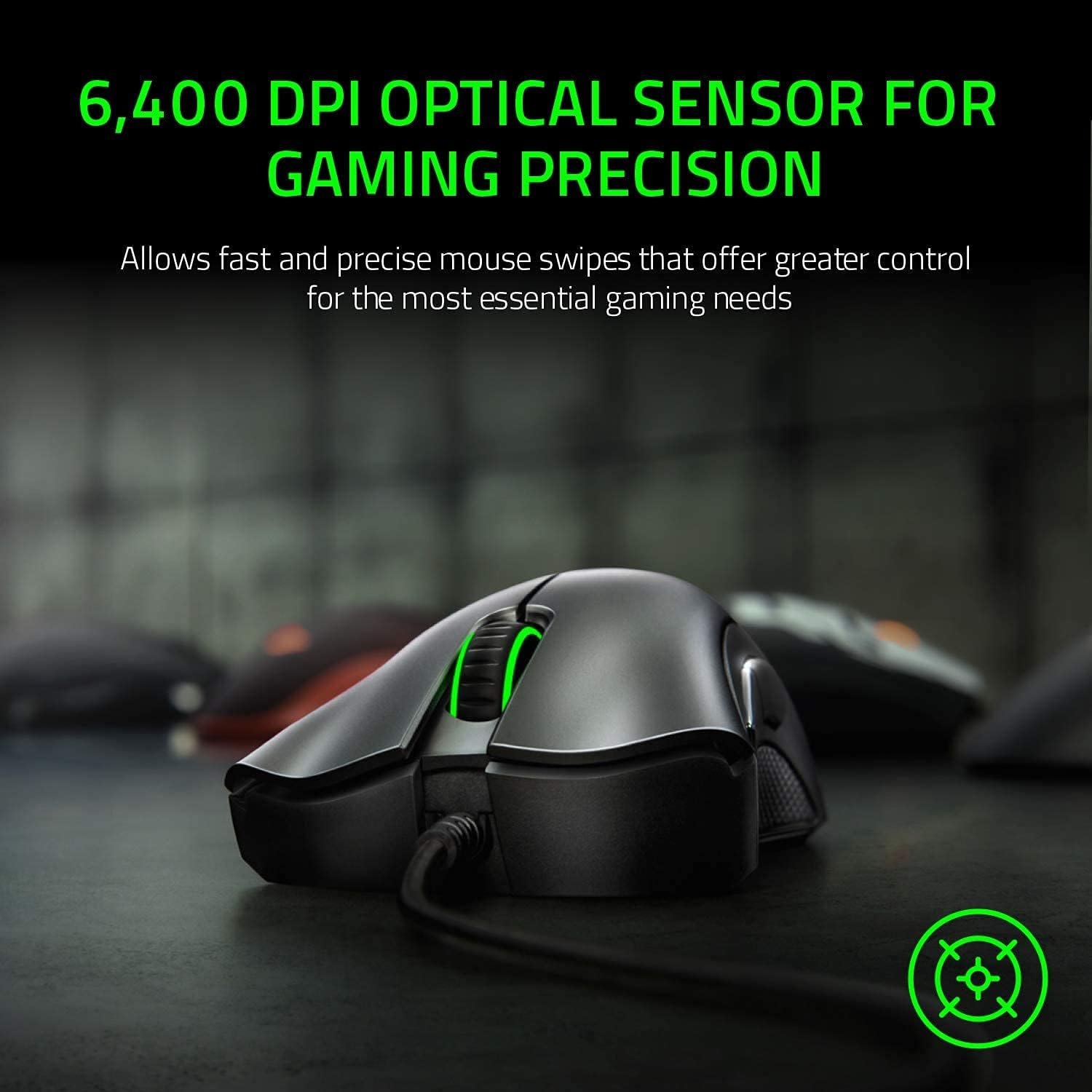
The headline is a 6,400 DPI optical sensor with dedicated, reprogrammable DPI buttons. In practice the DPI ceiling is almost irrelevant for gaming, because the vast majority of players run between 400 and 1,600 DPI and adjust sensitivity in game. What the dedicated buttons buy you is the ability to drop sensitivity for a long-range shot or raise it for a quick turn without touching software, and having that on the mouse body rather than buried in a driver is a practical win.
Five programmable buttons is the sensible minimum: left, right, wheel click and two thumb buttons. Through Razer Synapse those can be remapped and loaded with macros, which covers push-to-talk, discipline-specific binds or simple creative shortcuts. The listing specifies Windows, macOS and Linux compatibility, though Synapse itself is a Windows-first affair, so non-Windows users should expect plug-and-play function rather than deep customization.
Two entries in the detail table deserve a note. The weight of 0.13 kg is heavier than the sub-70-gram mice that dominate competitive play right now, which matters if you play at low sensitivity and make large arm sweeps. The table also mentions a battery and a 5 meter range, which sits oddly against a product described throughout as corded electric and wired; treat the wired description as the operative one.
Living with it
A wired mouse removes an entire category of problems. There is no charging routine, no pairing, no dongle to lose and no battery indicator to watch during a session. The trade is cable drag, and that depends heavily on your desk: a mouse bungee or simply routing the cable over the back edge of the desk makes a meaningful difference with any corded mouse at this price.
Setup is as short as it gets. Plug it in and it works as a five-button mouse with on-the-fly DPI switching. Synapse is optional, and only needed when you want macros or saved profiles. That is worth knowing, because driver suites from every major peripheral brand carry a reputation for background bloat, and you can decline it entirely here without losing core function.
The long-term experience with mice in this bracket usually comes down to two things: whether the shape suits your hand, and whether the main switches survive. The shape is a known quantity with a long track record, and the switch rating is respectable for the money. Owners rating it 4.5 out of 5 across a very large number of ratings points toward consistency rather than a lottery.
Value for money
At $20.98 at the time of writing, this sits in the bracket where the alternative is an unbranded mouse with an unknown sensor. Paying a small premium for a proven ergonomic shape, a sensor from a company that specializes in them, and software support that will still exist in three years is a reasonable use of twenty dollars.
Prices on entry-level peripherals move, and this one is a frequent discount candidate around major sale periods. If it drops below twenty it becomes very hard to argue against for anyone who fits the shape. Conversely, if you find it close to thirty, the field of competitors widens considerably and the calculation changes.
What the price does not cover is worth stating plainly: no wireless, no onboard profile memory, no premium cable, no weight tuning. Those features start appearing a tier or two above this, and if any of them are non-negotiable for you, budget accordingly rather than buying here and upgrading in six months.
Alternatives
The Logitech G203 is the obvious cross-shop at a similar price. It uses a smaller, more ambidextrous shape, so pick it if the DeathAdder hump is too tall for your hand or if you lean toward a claw grip.
The Razer Viper Mini is the choice for anyone prioritizing low weight and a symmetrical shape. If you play at low sensitivity with large arm movements and find 0.13 kg sluggish, the lighter option is the one to chase.
For those who can stretch the budget, the standard DeathAdder V2 keeps the same shape but adds a higher-grade sensor, optical switches and onboard memory. Pick it if you want the identical ergonomics with fewer compromises and expect to keep the mouse for several years.
The bottom line
This is a well-judged budget mouse that spends its money on the parts that matter and cuts the parts that do not. The shape is its single biggest selling point and also its biggest risk, so the deciding question is whether a large right-handed palm-grip mouse is what your hand wants. If the answer is yes, there is very little reason to spend more at this level.
.gap-review{margin:2.5rem 0 0}.gap-review h2{font-size:1.5rem;margin:0 0 1.25rem}.gap-verdict{background:#0E1A2B;color:#fff;border-radius:16px;padding:1.5rem 1.75rem}.gap-verdict__head{display:flex;gap:1.25rem;align-items:center}.gap-score{margin:0;width:84px;height:84px;border-radius:50%;background:#FF5A1F;color:#fff;display:flex;flex-direction:column;align-items:center;justify-content:center;font-weight:800;font-size:1.9rem;line-height:1}.gap-score small{font-size:.7rem;font-weight:600;opacity:.85}.gap-eyebrow{margin:0 0 .35rem;text-transform:uppercase;letter-spacing:.08em;font-size:.75rem;font-weight:700;color:#FF5A1F}.gap-verdict__line{margin:0;font-size:1.125rem;line-height:1.45}.gap-proscons{display:grid;grid-template-columns:1fr 1fr;gap:1.25rem 2rem;margin-top:1.5rem;padding-top:1.25rem;border-top:1px solid rgba(255,255,255,.15)}.gap-proscons h3{margin:0 0 .6rem;font-size:.9rem;text-transform:uppercase;letter-spacing:.05em;color:inherit}.gap-proscons ul{list-style:none;margin:0;padding:0}.gap-proscons li{position:relative;padding-left:1.6em;margin:0 0 .45em}.gap-proscons li::before{position:absolute;left:0;top:0;font-weight:800}.gap-pros li::before{content:’+’;color:#4ADE80}.gap-cons li::before{content:’2013′;color:#F87171}.gap-specs,.gap-faq{margin-top:2rem}.gap-specs h3,.gap-faq h3{font-size:1.2rem;margin:0 0 .75rem}.gap-specs table{width:100%;border-collapse:collapse;font-size:.95rem}.gap-specs th,.gap-specs td{text-align:left;padding:.65rem .9rem;border-bottom:1px solid #E2E8F0;vertical-align:top}.gap-specs th{width:38%;background:#F4F6F9}.gap-faq details{border:1px solid #E2E8F0;border-radius:10px;padding:0 1rem;margin:0 0 .6rem}.gap-faq summary{cursor:pointer;padding:.85rem 0;font-weight:600}.gap-cta{margin-top:2rem;padding:1.25rem 1.5rem;background:#F4F6F9;border-radius:16px;display:flex;flex-wrap:wrap;gap:.75rem;align-items:center}.gap-btn{display:inline-block;padding:.85em 1.5em;border-radius:10px;font-weight:600;text-decoration:none!important;background:#FF5A1F;color:#fff!important}.gap-btn–secondary{background:transparent;color:#0E1A2B!important;border:2px solid #E2E8F0}.gap-disclosure,.gap-note{font-size:.875rem;color:#4A5568;margin:.75rem 0 0}@media(max-width:640px){.gap-proscons{grid-template-columns:1fr}}
Razer DeathAdder Essential Wired Gaming Mouse review
7.8/10
madagear.com verdict
Buy it if you have medium-to-large hands, use a palm grip and want a dependable wired mouse for around twenty dollars; skip it if you are left-handed, want a wireless or ultralight mouse, or need more than five buttons.
What we like
- Classic DeathAdder shape suits palm and hybrid grips on larger hands
- 6,400 DPI optical sensor is far more than most players will ever use
- Dedicated DPI buttons allow sensitivity changes without opening software
- Mechanical switches rated to 10 million clicks on the listing
- Five programmable buttons with macro support through Razer Synapse
- Wired connection removes battery charging and pairing from the equation
What we don’t
- Right-hand only shape rules it out for left-handed players
- At 0.13 kg it is heavy next to modern ultralight competition mice
- Only five buttons, so MMO and productivity users will want more
- Macro remapping requires installing Razer Synapse on the PC
Specs at a glance
| Brand | Razer |
|---|---|
| Color | Classic Black |
| Connectivity | Wired |
| Sensor | Optical, up to 6,400 DPI |
| Buttons | 5, programmable |
| Hand orientation | Right |
| Switch rating | Up to 10 million clicks |
| Operating systems | Windows, macOS, Linux |
| Weight | 0.13 kg |
| Dimensions | 5 in L x 2.43 in W |
Frequently asked questions
Do I need Razer Synapse to use it?
No. The mouse works as a plain five-button mouse as soon as you plug it in, and the DPI buttons adjust sensitivity on the fly without software. Synapse is only needed if you want to remap buttons, record macros or save custom DPI stages.
Is 6,400 DPI enough for gaming in 2026?
Comfortably, yes. Most competitive players sit between 400 and 1,600 DPI and raise in-game sensitivity instead, so the ceiling is rarely the limiting factor. Sensor consistency and tracking matter far more than the headline number.
Will it work with a console?
The listing names gaming consoles among its compatible devices, but mouse support on consoles depends entirely on the console and the individual game. Treat it as a PC mouse first and check your platform’s rules before counting on console use.
Is it suitable for small hands?
It is a medium-to-large ergonomic shape built around a palm grip, so smaller hands or strict claw-grip users may find it bulky. If you already know the DeathAdder silhouette does not suit you, a smaller ambidextrous mouse is the safer pick.
At the time of writing it lists at $20.98, which covers the mouse and its attached cable only, and entry-level Razer mice of this kind tend to swing a few dollars either way around sale events. Price and availability checked on 2026-11-14.
madagear.com is reader-supported. When you buy through links on our site we may earn an affiliate commission, at no extra cost to you. This never affects what we recommend.


Reviews
There are no reviews yet.